sort method over arrays in python

python program to copy an array as another array using copy method

python program to copy an array as
another array using copy method
=============================
Code:
from numpy import *
a = arrange(1,6)
# this method creates a copy of array
b = a.copy()
print('Original Array',a)
print('New Array',b)
b[0]=20
print('After Modification')
print('Original Array:',a)
print('New Array:',b)
Output :
Original Array:[1,2,3,4,5]
New Array:[1,2,3,4,5]
After Modification
Original Array:[1,2,3,4,5]
New Array:[20,2,3,4,5]
What are the distinguishing property of arrays

What is the distinguishing property of arrays
====================================
Arrays are a data structure which can increase or
decrease their size in memory at runtime. So , one need
not specify the size of the array at the time of creation
of the array.
What are the types of arrays in data-structure

What are the types of arrays in data-structure
======================================
There are two types of arrays :
1) single dimensional arrays or 1D arrays
2) Multi-Dimensional Arrays or 2D arrays
What are the various functions and operators available for comparison operation over arrays in python

Question : What are the various functions and operators available for comparison operation over arrays in python ?
Logical Functions available in python for comparison
operation over arrays in python :
logical_and()
logical_or()
logical_not()
Operators available in python for comparison
operations over arrays are :
> - greater than operator
>= - greater than equal to operator
< - less than operator
<= - less than equal to operator
== - equals comparision operator
!= - not equal to operator
384 - pop method upon an array in python

pop method upon an array in python
===============================
'pop' method removes the specified item from the array
and returns the array. And if no element is specified
then the last index element in the array is removed and
the array is returned .
example:
import array as ar
a = ar.array('i',[10,20,30,40,50])
a.pop(10)
a.pop()
a.pop()
output:
array('i',[20,30,40,50])
array('i',[20,30,40])
array('i',[20,30])
sum method over arrays in python

sum method over arrays in python
============================
sum method is used over arrays in python to return the
sun of all elements in an array
example:
from numpy import *
arr = array([1,2,3,4])
print("Original Array:", arr)
print("Sum value:", sum(arr))
output:
10
python program to accept 4 integers in the same line and display their sum

python program to accept 4 integers in the same line and display their sum
==============================================================
Code:
var1 ,var2,var3,var4 = [int(x) for x in input("Enter four numbers:").split()]
print('Sum =',var1+var2+var3+var4)
Output:
Enter four numbers: 11 12 13 14
Sum = 50
python program to know the effects of any and all functions

python program to know the effects of
'any' and 'all' conditional functions
==================================================
code
from numpy import *
arr1 = array([1,2,3,4])
arr2 = array([3,2,1,4])
condition = arr1 > arr2
print('Result of arr1 > arr2',condition)
print('Check if any one element is true:', any(condition))
print("Check if all elements are true", all(condition))
if(any(arr1>arr2)):
print('a contains at-least one element greater than those of b')
output
Result of arr1 > arr2 : [True False False False]
Check if any one element is true : True
Check if all elements are true : False
a contains at-least one element greater than those of b
python program to alias an array and understand how aliasing concept in arrays work

python program to alias an array
and understand how aliasing
concept in arrays work
=================================================
code
from numpy import *
a = arange(1,11)
b = a #giving another name b to a
print('Before Modification:')
print('Original Array:',a)
print('Alias Array:',b)
print('#####################')
b[0]=20
print('After Modification:')
print('Original Array:',a)
print('Alias Array:',b)
output
Before Modification:
Original Array: [ 1 2 3
4 5 6
7 8 9 10]
Alias Array: [ 1 2 3
4 5 6
7 8 9 10]
#####################
After Modification:
Original Array: [20 2 3
4 5 6
7 8 9 10]
Alias Array: [20 2 3
4 5 6
7 8 9 10]
python program to create an array with 5 equal points using linspace() function

python program to create an array
with 5 equal points using linspace() function
==========================================================================
import numpy as np
a = np.linspace(0,10,5)
print('a=',a)
output
arr.py
a = [0 2.5 5. 7.5 10. ]
python program to create an array from another array

Procedure to perform various mathematical Operations on elements of arrays like addition , subtraction , multiplication , division

Procedure to perform various mathematical
Operations on elements of arrays like addition ,
subtraction , multiplication , division
==================================
1) addition
import numpy as np
arr = np.array([10,20,30,40,50])
arr1 = arr + 5
print(arr1)
output
[15,25,35,45,55]
************************************
2) subtraction
import numpy as np
arr = np.array([10,20,30,40,50])
arr2 = arr - 5
print(arr2)
output
[5,15,25,35,45]
************************************
3) multiplication
import numpy as np
arr = np.array([10,20,30,40,50])
arr3 = arr - 5
print(arr3)
output
[50,100,150,200,250]
************************************
4) division
import numpy as np
arr = np.array([10,20,30,40,50])
arr4 = arr / 5
print(arr4)
output
[2,4,6,8,10]
procedure to create an array using linspace function
procedure to create an array using linspace function
=======================================================================
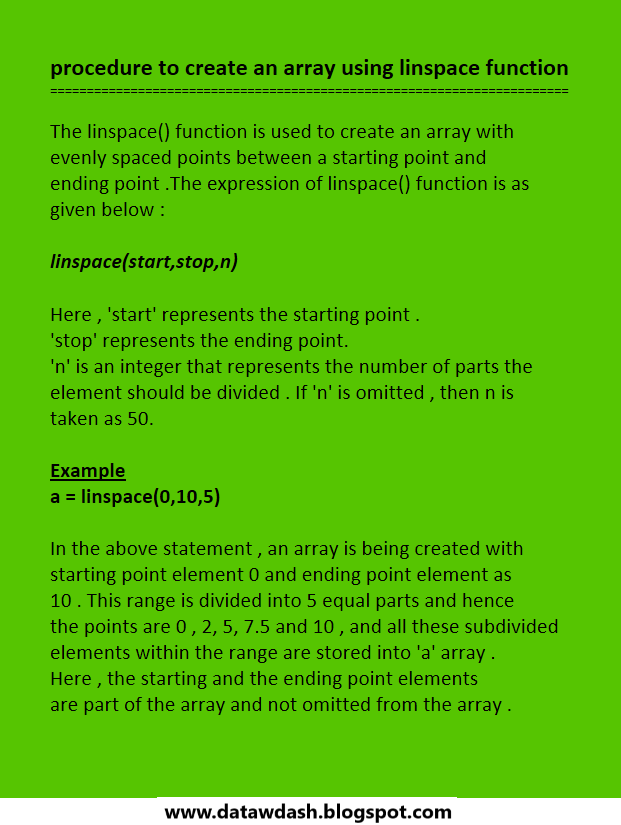
The linspace() function is used to create an array with
evenly spaced points between a starting point and
ending point .The expression of linspace() function is as
given below :
linspace(start,stop,n)
Here , 'start' represents the starting point .
'stop' represents the ending point.
'n' is an integer that represents the number of parts the
element should be divided . If 'n' is omitted , then n is
taken as 50.
Example
a = linspace(0,10,5)
In the above statement , an array is being created with
starting point element 0 and ending point element as
10 . This range is divided into 5 equal parts and hence
the points are 0 , 2, 5, 7.5 and 10 , and all these subdivided
elements within the range are stored into 'a' array .
Here , the starting and the ending point elements
are part of the array and not omitted from the array .
creating arrays in python using zeros() and ones() function

creating arrays in python using
zeros() and ones() function
===============================
We can use the zeros() function to create an array with
zeros . The ones() function is useful to create an array
with all 1's.
zeros(n , datatype)
ones(n , datatype)
where , 'n' represents the number of elements .
If we do not specify the 'datatype' , then the default
datatype used by numpy is 'float'.
Examples
This will create an array with 5 elements and all are
zeros and in floating datatype. This is represented as :
[ 0.0 , 0.0 , 0.0 , 0.0 , 0.0 ].
as datatype .
>>> zeros(10,int)
This will create an array as :
[ 0 0 0 0 0 0 0 0 0 0]
array with all elements 1
>>> ones(5,float)
This will create an array with 5 float elements and all
are 1's :
[ 1.0 1.0 1.0 1.0 1.0]
create arrays using arange() function in python
create arrays using arange() function in python
========================================
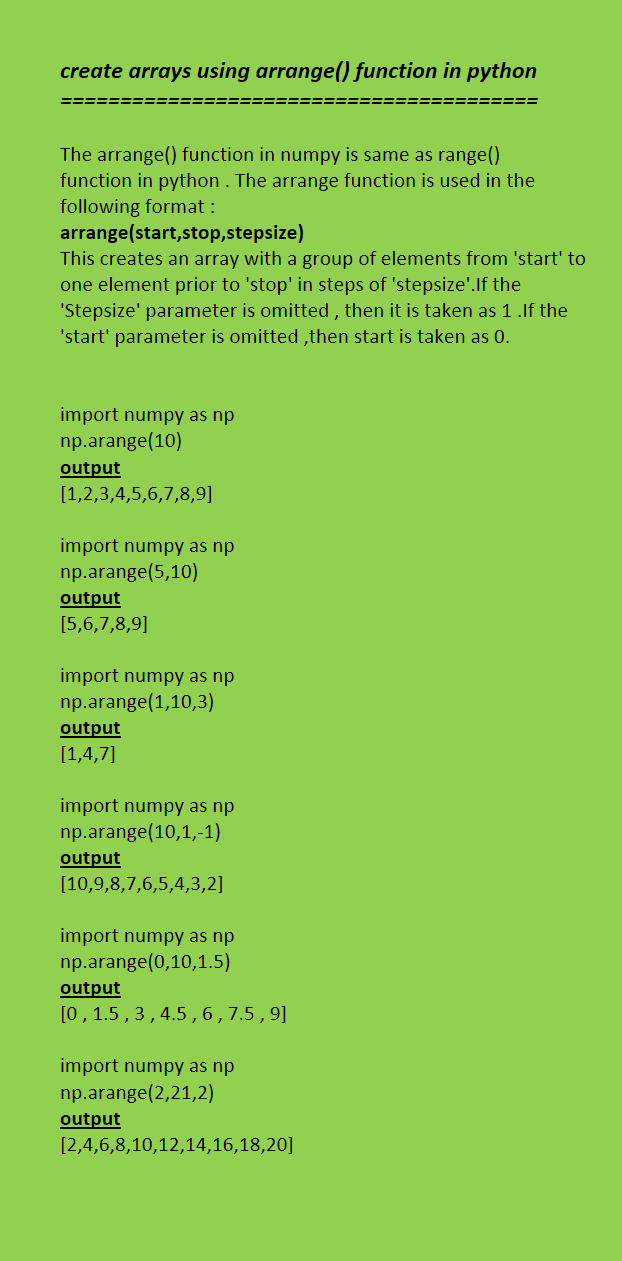
The arrange() function in numpy is same as range()
function in python . The arrange function is used in the
following format :
arrange(start,stop,stepsize)
This creates an array with a group of elements from 'start' to one element prior to 'stop' in steps of 'stepsize'.If the
'Stepsize' parameter is omitted , then it is taken as 1 .If the
'start' parameter is omitted ,then start is taken as 0.
import numpy as np
np.arange(10)
output
[1,2,3,4,5,6,7,8,9]
import numpy as np
np.arange(5,10)
output
[5,6,7,8,9]
import numpy as np
np.arange(1,10,3)
output
[1,4,7]
import numpy as np
np.arange(10,1,-1)
output
[10,9,8,7,6,5,4,3,2]
import numpy as np
np.arange(0,10,1.5)
output
[0 , 1.5 , 3 , 4.5 , 6 , 7.5 , 9]
import numpy as np
np.arange(2,21,2)
output
[2,4,6,8,10,12,14,16,18,20]
concept of pruning in decision tress in data science - a summary


